Automating "The Neighbours" at the 60th Venice Art Biennale
Earlier this year, I had the privilege of serving as the technology lead for The Neighbours, an interactive multimedia installation selected to represent Bulgaria at the 60th International Art Exhibition – La Biennale di Venezia (2024).
Created by artist-researchers Krasimira Butseva, Julian Chehirian, and Lilia Topouzova (and curated by Vasil Elenov), the exhibition is a powerful exploration of memory, trauma, and state violence. It excavates the silenced histories of survivors from Bulgaria’s socialist era (1945–1989), when political dissidents, artists, peasants, and religious minorities were subjected to forced labor camps and persecution.
The installation recreates three domestic spaces—a Living Room (voices of those who spoke out), a Bedroom (testimonies shared for the first time), and a Kitchen (the wordless laments of those permanently silenced)—blending ambient sound, multi-channel video projections, and physical artifacts recovered directly from former camp sites (such as Belene and Lovech).
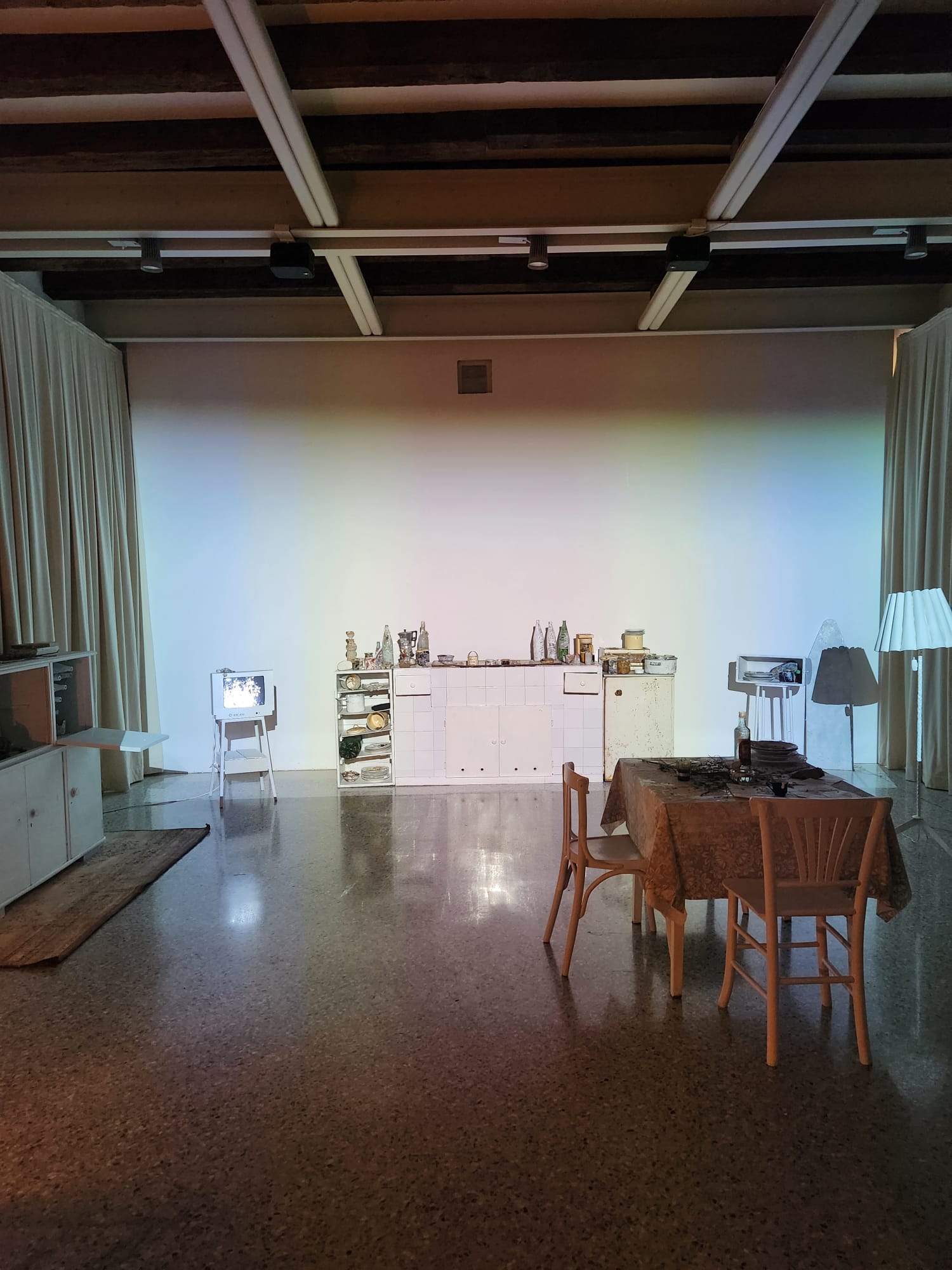
My task was to design, build, and deploy the entire physical orchestration and media streaming infrastructure. When visitors walk through the rooms, or according to scheduled exhibition routines, physical events trigger automatically: lights switch on and off, ambient audio streams, video feeds align across rooms, sewing machines turn on, record players start spinning, and vintage CRT TVs flicker to life.
The biggest challenge? I was doing all of this remotely, multiple time zones away in North America, while the installation was being built and staged on site in Europe.
In this post, I’ll break down how I engineered a bulletproof Home Assistant orchestration layer, created custom Raspberry Pi media streaming software from scratch, and kept the exhibition running reliably from thousands of miles away.
The Remote Setup Strategy
Building software for physical hardware when you aren’t physically in the room with the devices is notoriously difficult. If a Raspberry Pi fails to boot, a Wi-Fi module loses its lease, or a display drops signal, you can’t just walk across the floor and flip a switch.
I worked closely with co-creator Julian Chehirian, who handled on-site hardware positioning, cabling, and mounting. To bridge the geographic gap, we established a remote management pipeline before deploying to Venice:
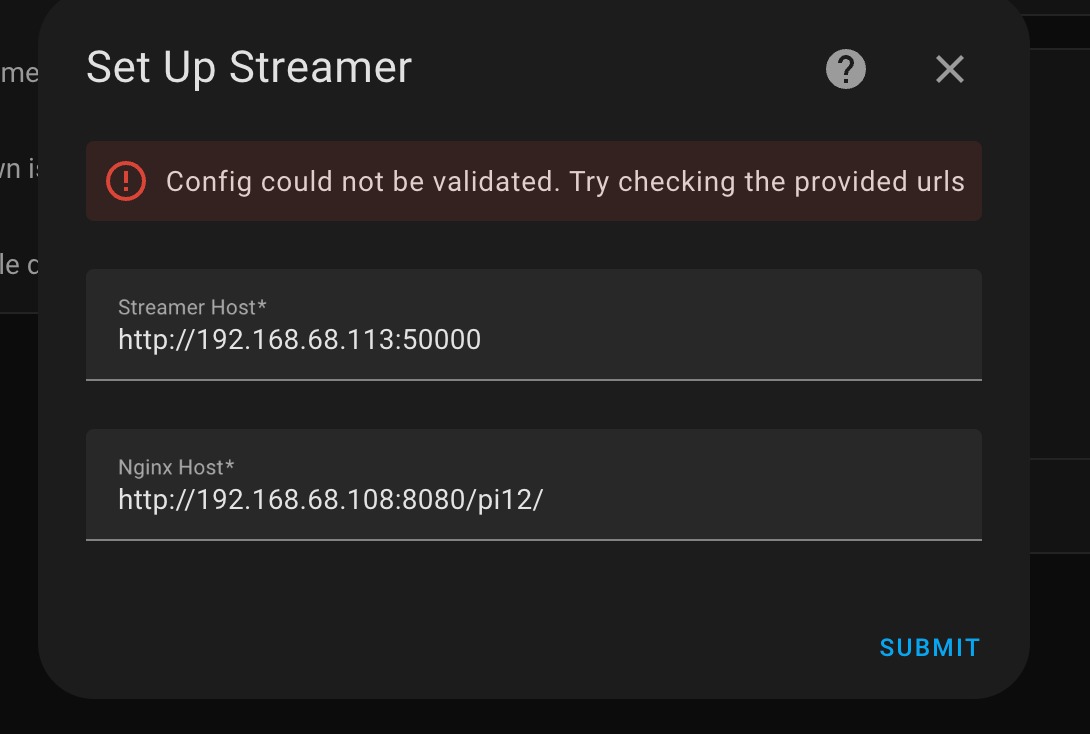
- NordVPN Meshnet & SSH Tunnels: We configured each Pi and control node to join a secure peer-to-peer Meshnet. I set up SSH reverse port forwarding (using custom ports like
53210) so I could terminal into any device on the local network regardless of NAT or router firewalls. - Remote Home Assistant Instance: Home Assistant was deployed locally on site, with remote access enabled so I could configure automations, inspect device registries, and view execution traces in real time.
- Headless Boot Pre-Configuration: I pre-configured custom Raspberry Pi OS images with set hostnames and network parameters so Julian could simply flash an SD card, insert it into a new Pi, plug in power, and watch it connect to our control network.
Custom Raspberry Pi Streaming Software
Early on in planning, off-the-shelf streaming solutions like Google Chromecasts and Android TV sticks were tested, but they quickly proved unusable for a high-traffic museum environment. Chromecasts randomly display unwanted splash screens, suffer from frame drops over busy Wi-Fi networks, and don’t recover gracefully from hard power cycles.
To solve this, I wrote a custom, open-source streaming application tailored specifically for Raspberry Pis: the-neighbours-automation.
Key Architectural Decisions
- Local Media Pre-Caching (
filesync.py): Exhibition spaces are notoriously hostile to Wi-Fi. With hundreds of visitors carrying smartphones, wireless spectrum becomes heavily congested. To eliminate streaming stutter, an Nginx server runs on the local network as the central media repository. On boot (and periodically on a schedule), each Pi streamer checks the Nginx server directory, compares local file hashes/sizes, and downloads missing or updated media files directly to its high-speed SD card. Media is played locally from disk, making playback 100% immune to network drops once downloaded. - VLC Engine via
libvlc: The application uses Python bindings for VLC (libvlc) embedded inside a Tkinter window frame. This combination provided hardware-accelerated decoding, clean fullscreen transitions, and zero-flicker video loops. - Multi-Threaded HTTP Admin API (
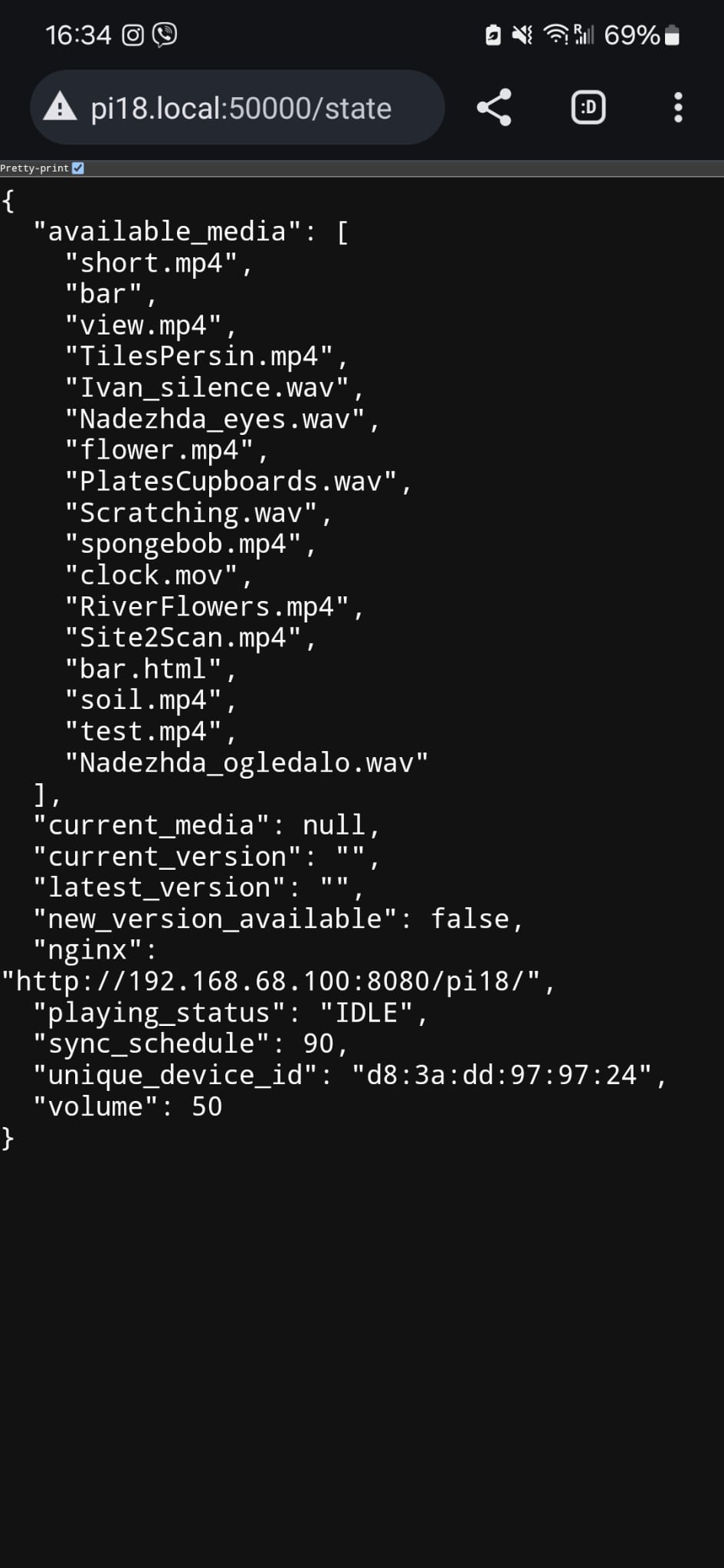
app.py): Each Pi runs a Lightweight Flask web server hosted by Waitress on port50000. Exposing endpoints like/stateallowed us to inspect player status, volume, loaded media, disk space, and peer network status directly from a browser or via Home Assistant. - Thread-Safe Event Pipeline (
VideoControllerEventService): Because Flask HTTP handling and Tkinter/VLC rendering run on separate operating system threads, I created an event queue service (VideoControllerEventService) to bridge HTTP control events into the main Tkinter event loop safely without UI freezing or race conditions.
Handling Diverse Physical Displays: Projectors to Vintage CRT TVs
The installation features an eclectic mix of display technologies, each presenting its own hardware quirks:
- Multi-Channel Audio Speakers: Dedicated Pis acting as audio-only endpoints connected to speakers and sound transducers hidden inside domestic objects.
- 4K Projectors: High-definition video projections requiring GPU memory tuning (
gpu_mem=128) and swap file adjustments (CONF_MAXSWAP=2048) on 1GB Raspberry Pi 4 models to handle heavy 4K media playback without dropping frames. We also encountered Energy Star / DPMS power-saving timeouts on certain 1080p projectors that caused them to drop input signals; disarming DPMS viaxset -dpmsandxset dpms 0 0 0resolved the issue. - Vintage CRT TVs over 3.5mm Analog Composite: Did you know Raspberry Pis support analog composite video output right out of the box through their 3.5mm audio/video jack?
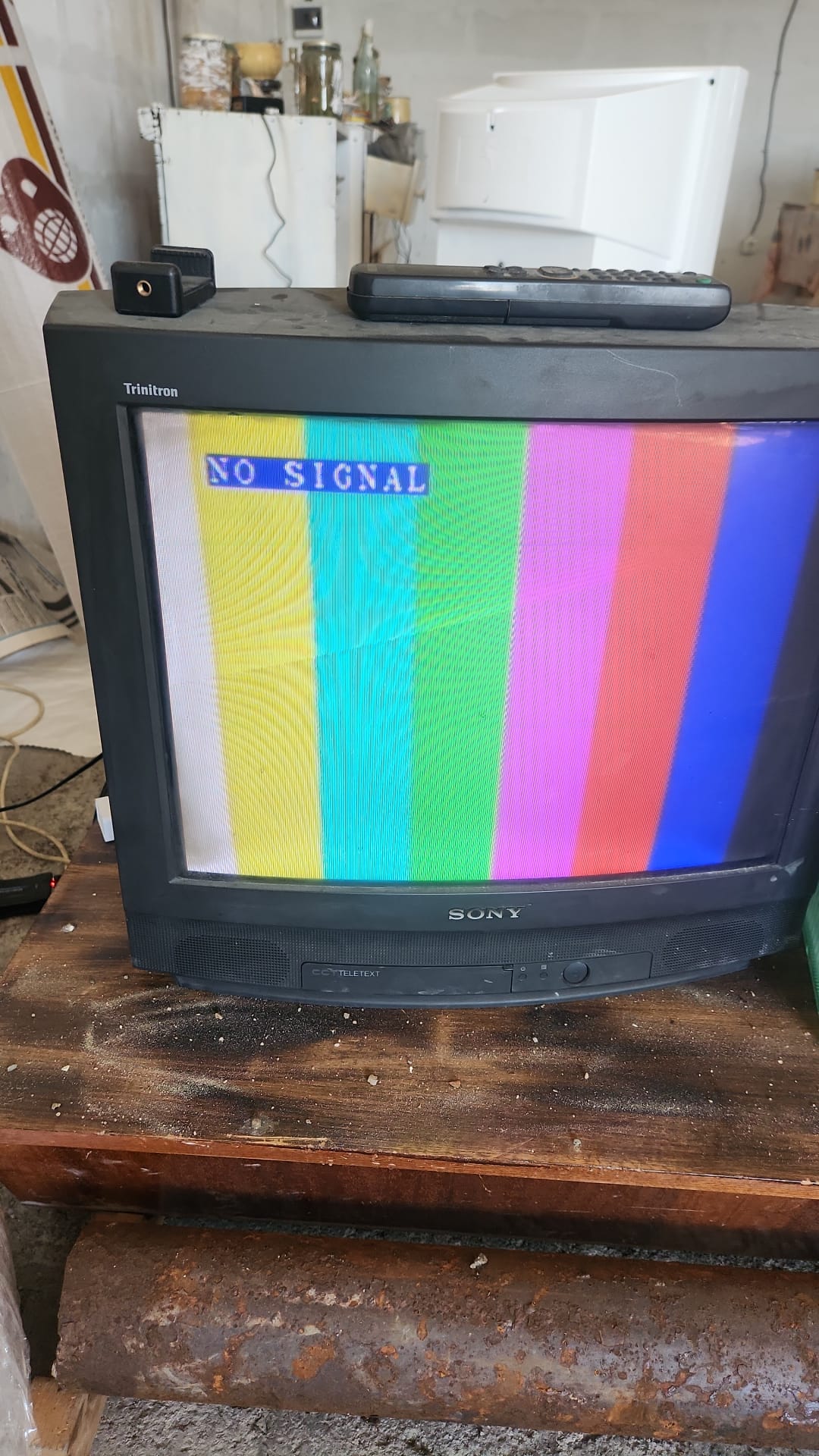
Connecting Pis to retro Sony Trinitron CRT TVs via 3.5mm composite cables (video=Composite-1:720x576@50ie) added a fascinating twist. On the Raspberry Pi 4, enabling analog composite output forces the internal CPU clock cycle to scale down—a hardware quirk that initially caused video lagging because the GUI update loop was CPU-bound. Refactoring our video controller to minimize CPU dependency in the render loop restored buttery-smooth playback even on vintage analog CRTs.
The Custom Home Assistant Integration
To tie all the individual streamers into a unified control panel, I developed a custom Home Assistant component: rpi_streamer.
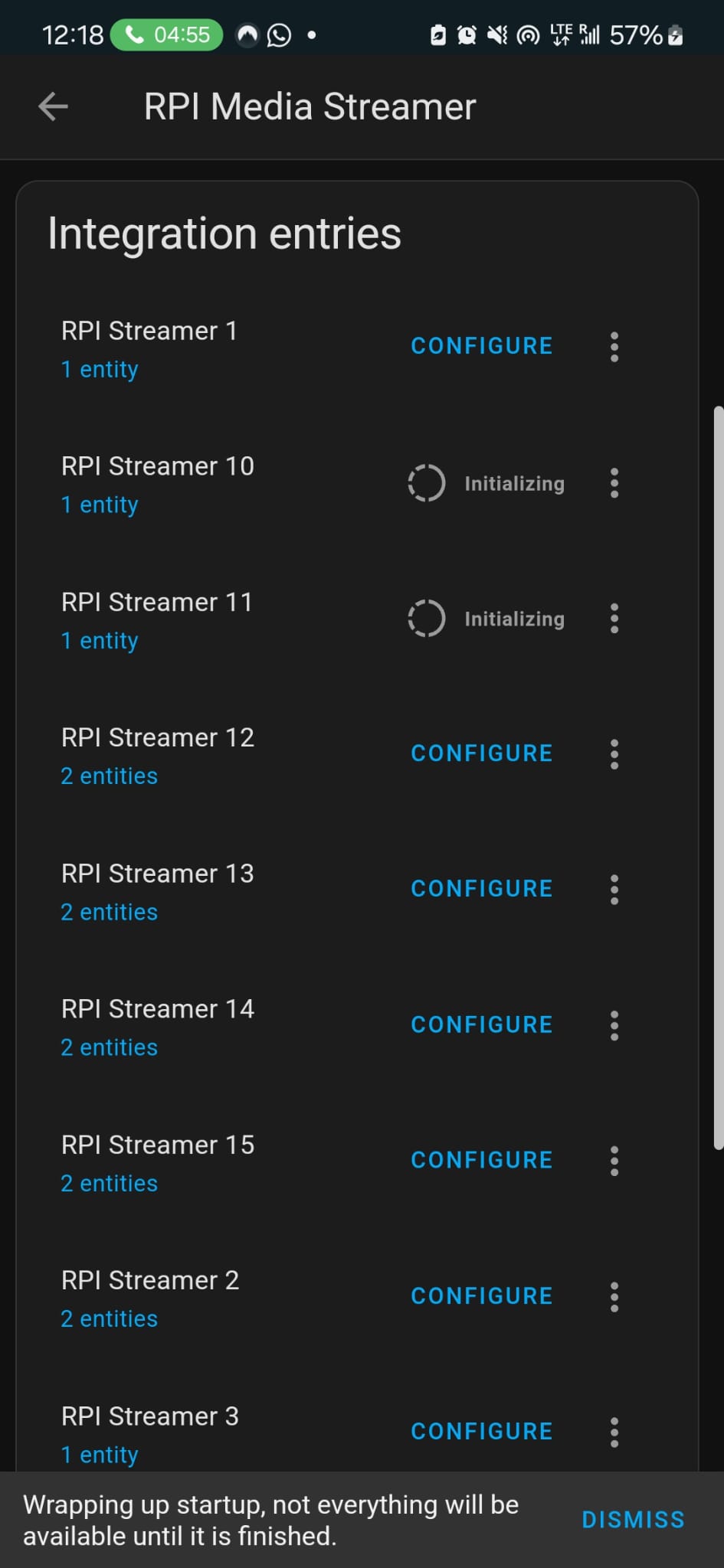
This integration allows Home Assistant to automatically discover and register every Raspberry Pi streamer on the network as a standard media_player entity. From the HA dashboard or automations, we could:
- Send
media_player.play_mediaservice calls specifying the target video/audio filename (e.g.Nikola_intro.mp4,Water.wav). - Monitor real-time player states (
playing,idle,offline). - Adjust output volume level per room or per device.
- Audit network connection health across all 15+ streaming nodes simultaneously.
Failsafe Orchestration & Self-Healing Watchdogs
An art installation in a prestigious pavilion cannot afford to freeze midway through a sequence when thousands of Biennale attendees are passing through.
To ensure maximum uptime, I structured our automations around several key resilience patterns:
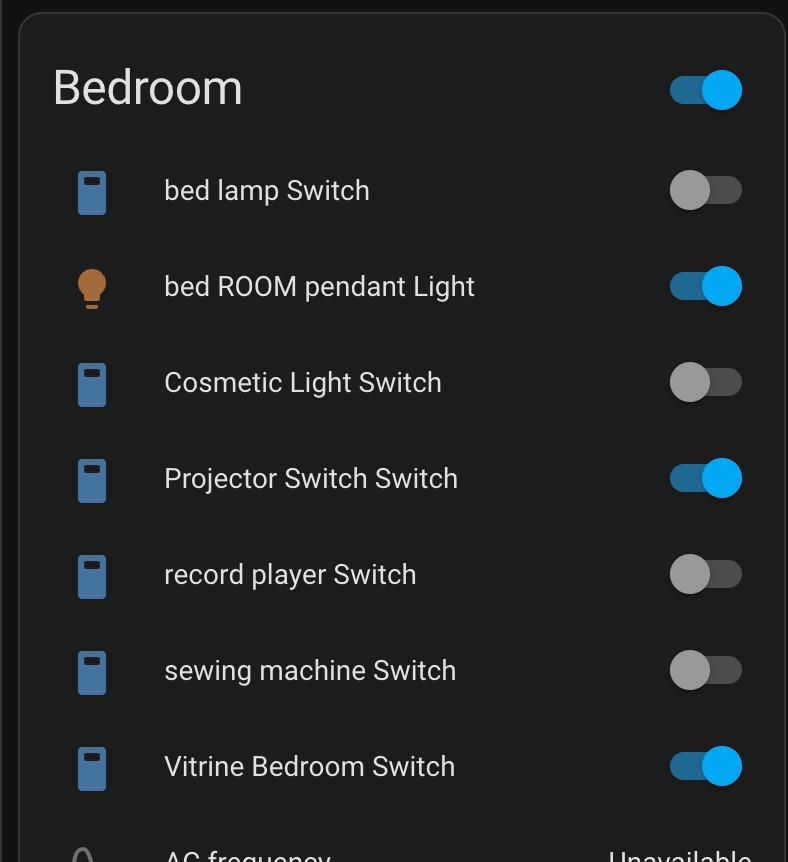
1. Fault-Tolerant Action Chains (continue_on_error: true)
If a single physical switch or media player encounters a momentary glitch, we don’t want the entire room sequence to abort. Adding continue_on_error: true to individual YAML actions ensures that a transient failure in one device doesn’t stop subsequent lighting or audio actions from executing.
2. Guarded State Waits (wait_for_template)
Instead of relying on hardcoded delay sleeps between steps, automations use wait_for_template with strict timeout bounds (e.g. 5 seconds). The system verifies that a device has successfully transitioned state before firing dependent actions.
3. Automatic Retry Loops (repeat until)
By combining continue_on_error with repeat until blocks, Home Assistant continuously re-attempts error-prone service calls until the hardware responds successfully.
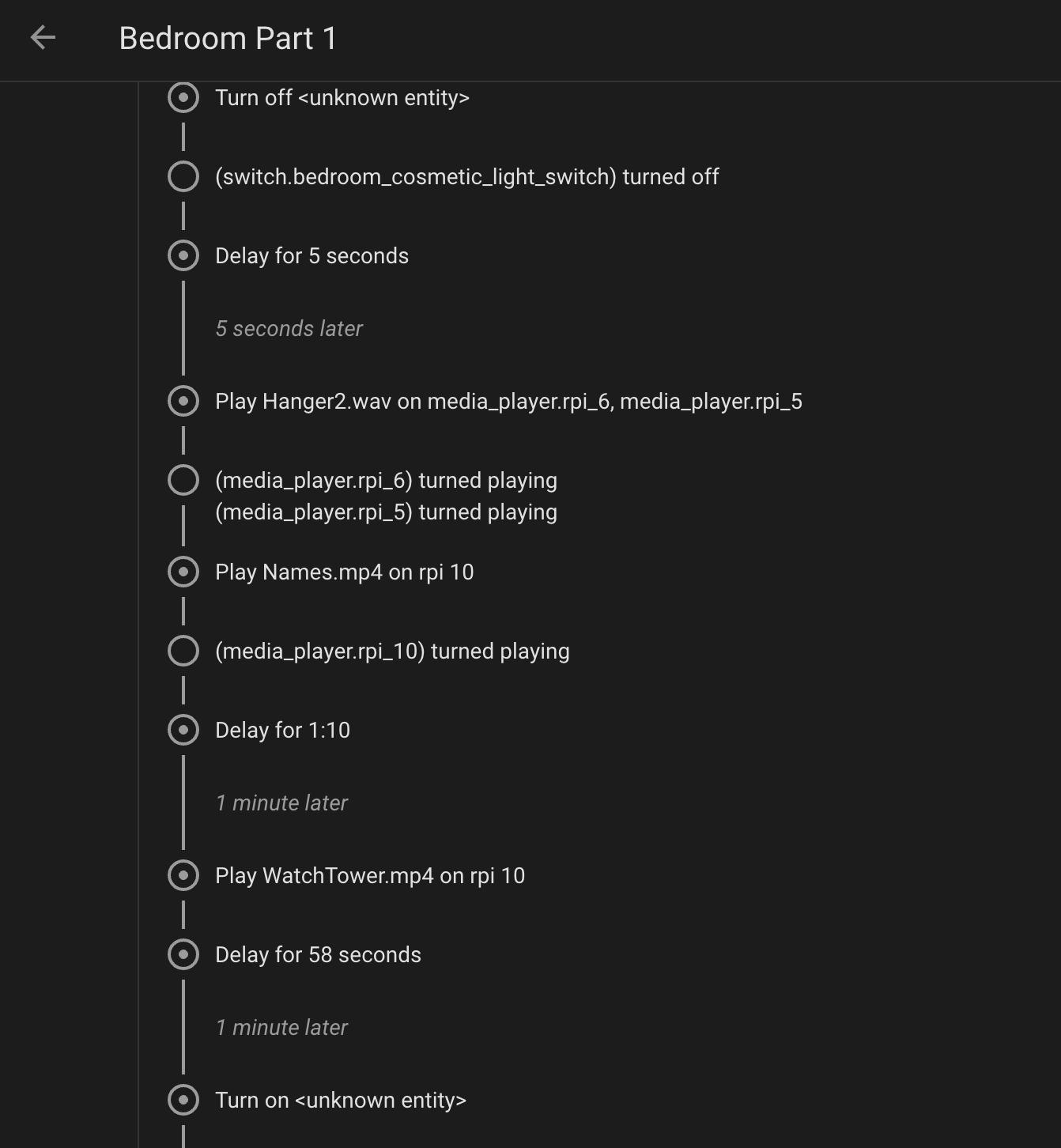
4. Short-Running Event Chains (neighbours-custom)
Rather than running one giant, fragile 20-minute automation script, I broke the exhibition timeline into short, atomic automation blocks. Each block triggers the next by firing custom event IDs (neighbours-custom -> step-1-done -> step-2). This keeps memory overhead minimal, prevents script collisions, and makes debugging straightforward through HA execution traces.
5. Automated Health Alerts & Monitoring Watchdogs
I created background watchdog scripts that monitored the custom event pipeline. If an expected step did not fire within its designated time window—indicating a stalled script or offline hardware—the system instantly generated alert notifications. Alerts were sent directly to me, Julian, and our on-site gallery contact so any anomaly could be addressed immediately.
Final Thoughts & Results
Seeing The Neighbours open at the 60th Venice Art Biennale was an incredible experience. After months of late-night remote debugging sessions, network tuning, and software iterations, the entire physical tech infrastructure ran seamlessly throughout the exhibition.
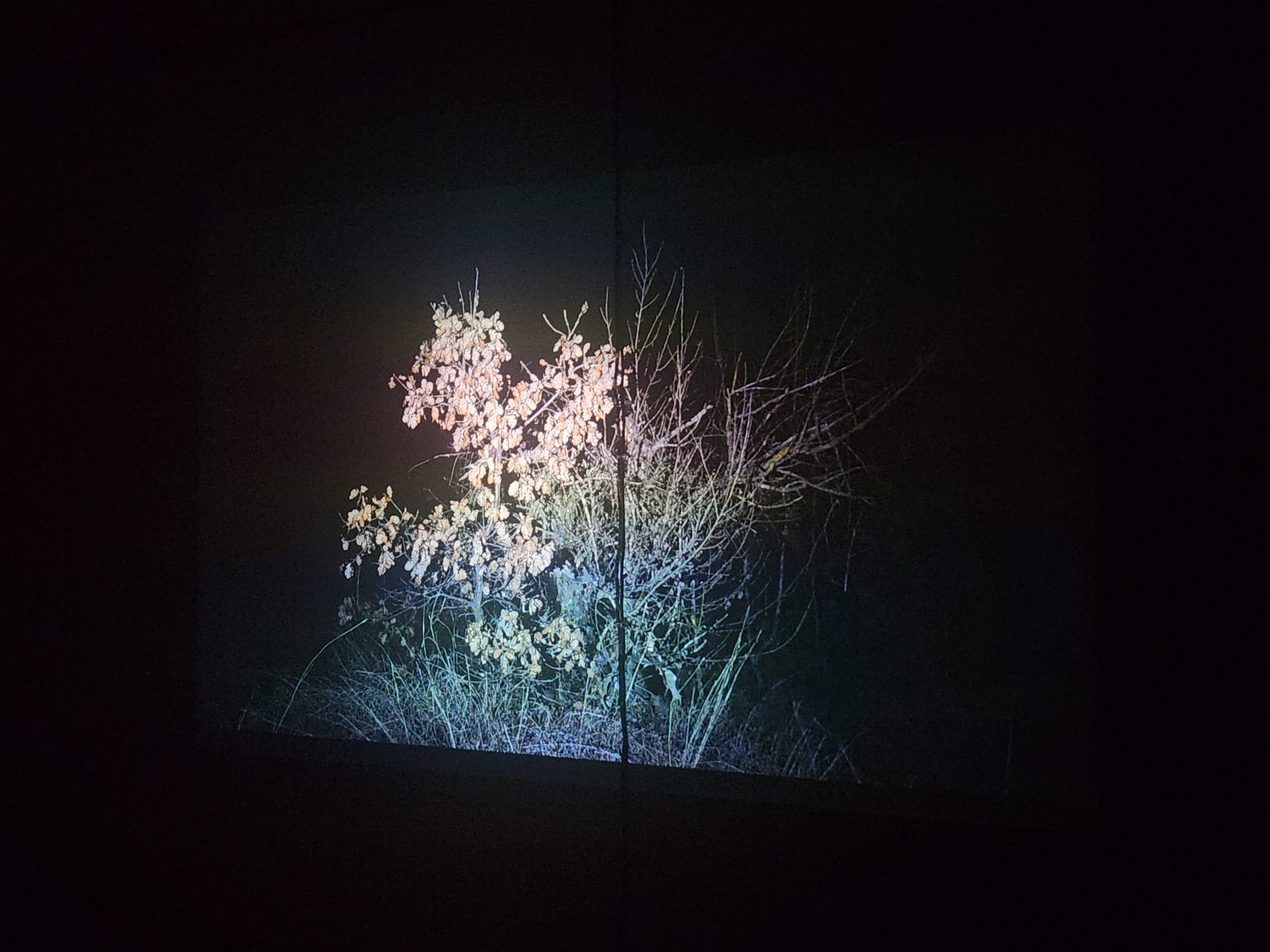
Building this system taught me a lot about designing for high reliability in remote IoT environments. Decoupling media playback from live network availability, creating fault-tolerant automation loops, and maintaining remote management pipelines are practices I’ll definitely be bringing to future hardware projects.
If you’d like to dive deeper into the code, check out the open-source repository on GitHub or explore the links below!